
Begin with what the character chose
A damaged pottery delivery belongs to crafting or business. Build the incident around the existing activity and the character involved.
Campaign & story
One chosen activity.
A cost and an opportunity.
A personal story to follow.

An event that belongs to the activity
Follow one incident from its cause to a meaningful way forward.
A damaged pottery delivery belongs to crafting or business. Build the incident around the existing activity and the character involved.
Include a real cost and a worthwhile opportunity. Offer several resolutions while the player and table decide how the downtime turns out.

Everyday activity, personal consequences
A town square brings together tavern life, craftwork, training, cards and a disrupted delivery. Choose the activity that matches your character downtime: social life, business, crafting, training, drinking, gambling, romance, property, family, faction work, crime or research.
Set the severity from a minor incident through a complication, trouble, serious incident, crisis or life-changing event. Keep the cause and opportunity tied to that activity.
What you can prepare
Keep the activity and character at the centre of the incident.
Prepare an incident for social life, business, crafting, training, drinking, gambling, romance, property, family, faction work, crime or research.
Set a minor incident, complication, trouble, serious incident, crisis or life-changing event. Match the scale to the stretch of downtime you are preparing.
Describe whose downtime it is and choose a mixed, comic or serious tone. Keep the event connected to what the character is doing.
Prepare a fitting cause and immediate effect. Make the disruption feel personal to the chosen activity rather than like an unrelated accident.
Include costs in time and money as part of the story. Your table decides the checks, payment and actual outcome.
Look beyond the immediate disruption. Give the character an opening that can make dealing with the incident worthwhile.
Prepare different ways to address the situation. Let the player choose a response and the table decide how it turns out.
Include what happens later and a future hook. Keep one focused incident connected to the next part of the character story.
Edit individual sections, lock useful details and make selective changes. Save incidents and versions, then reopen the activity, cause, costs and leads.
Copy, download or print the complete Dungeon Master view or the separate player-facing result. Review hidden causes and private context before sharing.

Cause, immediate effect and opportunity
A broken wagon raises questions about the cause, repair costs and next route. Describe the character activity, choose its severity and create the incident.
Review the immediate effect, time and money costs, opportunity and resolutions. Refine individual sections; your table decides checks, payment and outcome.
Quick setup. Deeper preparation.
Prepare one useful incident without planning the whole downtime period.
Describe what the character is doing, choose the activity and severity, then create the incident with its cause, costs and opportunity.
In deeper preparation, name the character and choose a mixed, comic or serious tone that suits the campaign.
Include things to avoid and private Dungeon Master context. Review how the cause and consequence fit the existing story.
Edit the result, lock useful details and make selective changes. Save versions while trying another resolution or future lead.

Repair, agreement and a next step
A harbour community repairs a wagon, reaches an agreement and prepares another shipment. The immediate disruption can lead to an opportunity as well as a cost.
Prepare several ways to resolve the situation, what happens later and a future hook. Use the material as a focused story around the activity; keep character decisions and the final outcome at the table.
Saved incidents and table references
Reopen the chosen version and select the view your audience needs.
Save and reopen incidents with the activity, cause, costs, opportunity, resolutions, later consequence and future hook together.
Edit individual sections, lock useful material and make selective changes. Save versions as you refine the story.
Choose the complete Dungeon Master view or the separate player-facing result. Review hidden causes and private context before sharing.
Copy the chosen view, download it or print a table reference. Keep the possible resolutions within reach during the downtime scene.
Your desktop and related products
Open your products through your account and use the incident at the table.

Open your VISINVOKE products through one signed-in Windows desktop workspace.
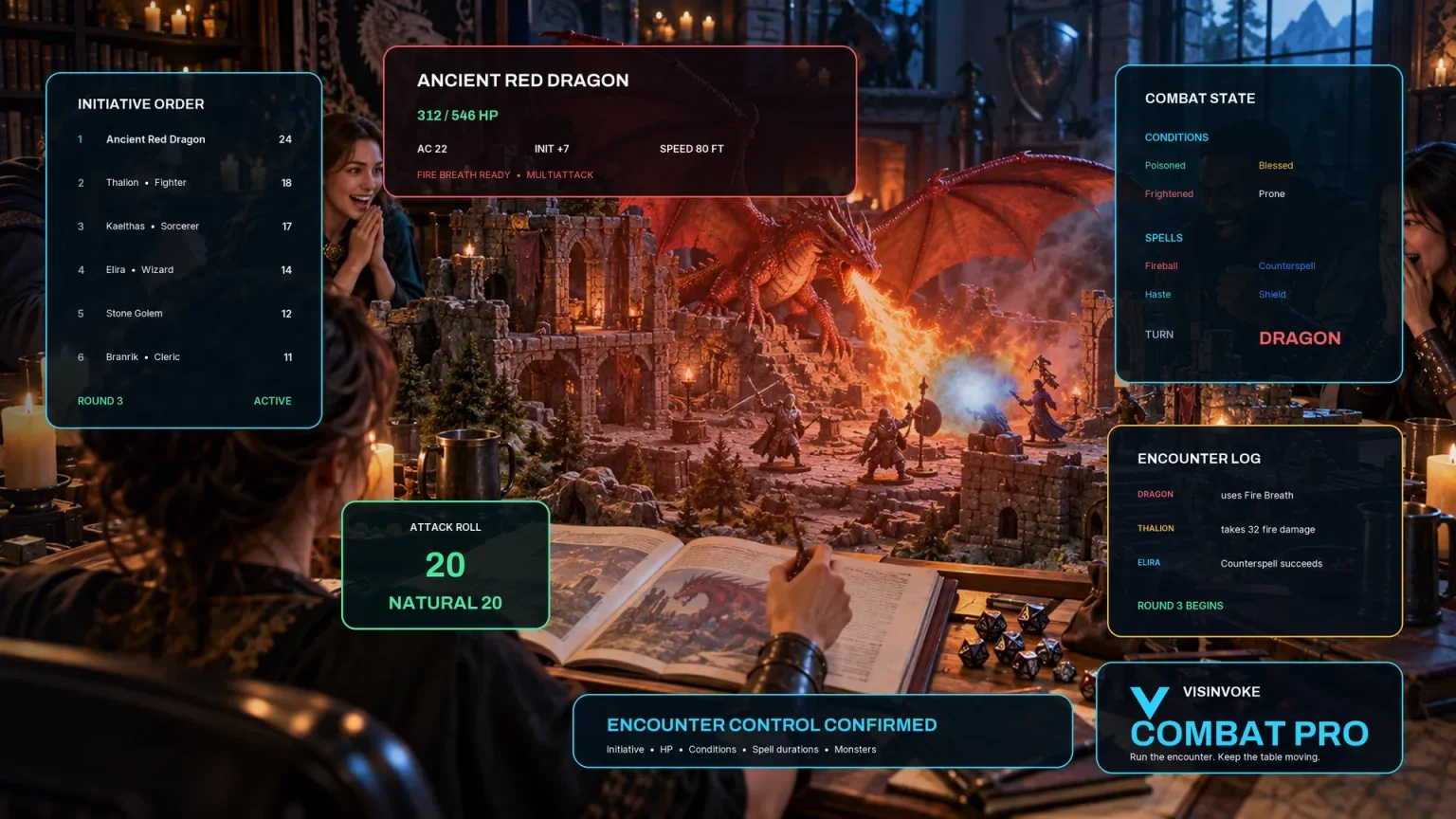
Use the dedicated encounter workspace for combat. Downtime Incident Generator prepares one personal downtime event without a Combat PRO handoff.
Artwork illustrates fictional downtime activities and related products, not application screens.
Questions and answers
Activities, costs, possible responses, saved material and account access at a glance.
Social life, business, crafting, training, drinking, gambling, romance, property, family, faction work, crime and research. Describe what the character is doing so the incident, costs and opportunity belong to that activity.
The character and activity, incident, tone and severity, cause, immediate effect, time and money costs, opportunity, several ways to resolve it, later consequence and a future hook.
It prepares one event during one chosen activity. Keep the rest of the downtime with your table; use this incident when you want a focused personal story around that activity.
Your table does. The result supplies narrative material and possible responses; it does not decide the activity outcome, rewrite a character backstory or start or change combat. There is no Combat PRO handoff.
Edit individual sections, lock useful details and make selective changes. Save incidents and versions, reopen them, and copy, download or print the full Dungeon Master view or separate player-facing result. Review hidden causes and private notes before sharing.
Open the Generators collection in Desktop Control Centre on Windows through your VISINVOKE account. Review individual subscription access and current pricing in your account. A free account is separate from paid generator access.
Continue in VISINVOKE
Create a free VISINVOKE account or sign in to your existing account. Get Desktop Control Centre through your account installer page.
Open the Generators collection on Windows. Review current subscription and access details in your account.